
One sentence
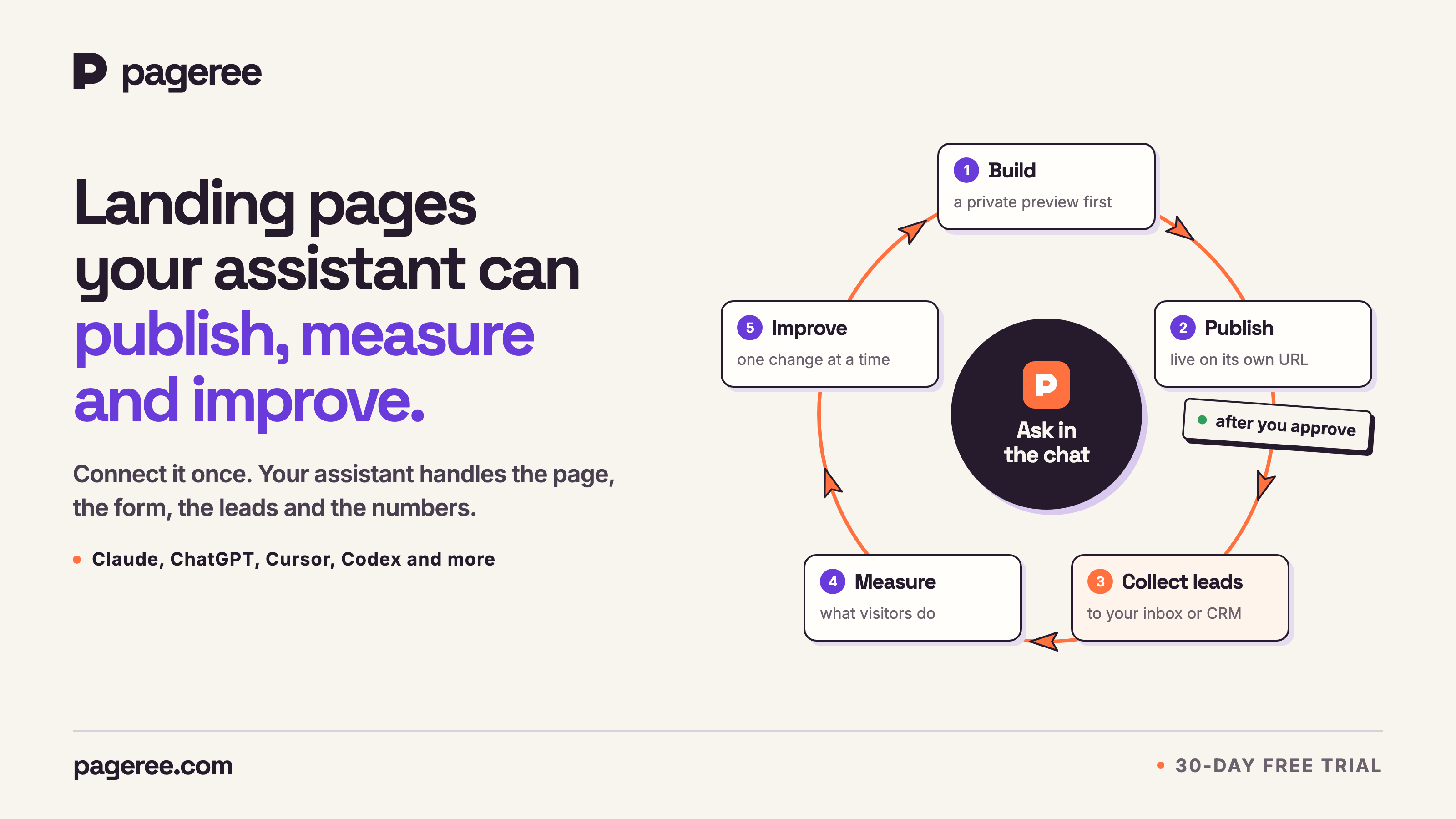
Pageree lets your AI assistant publish landing pages that collect leads, then read how visitors behave and improve each page with you.
Pageree / Press kit
Logos, product images, covers and the words to use when you write about Pageree.
You may use everything on this page in coverage of Pageree. Questions, or need something that isn’t here? Write to [email protected].
Describing Pageree
Use these as they are, or quote from them. The short ones fit a caption; the longer one is the boilerplate.
Pageree lets your AI assistant publish landing pages that collect leads, then read how visitors behave and improve each page with you.
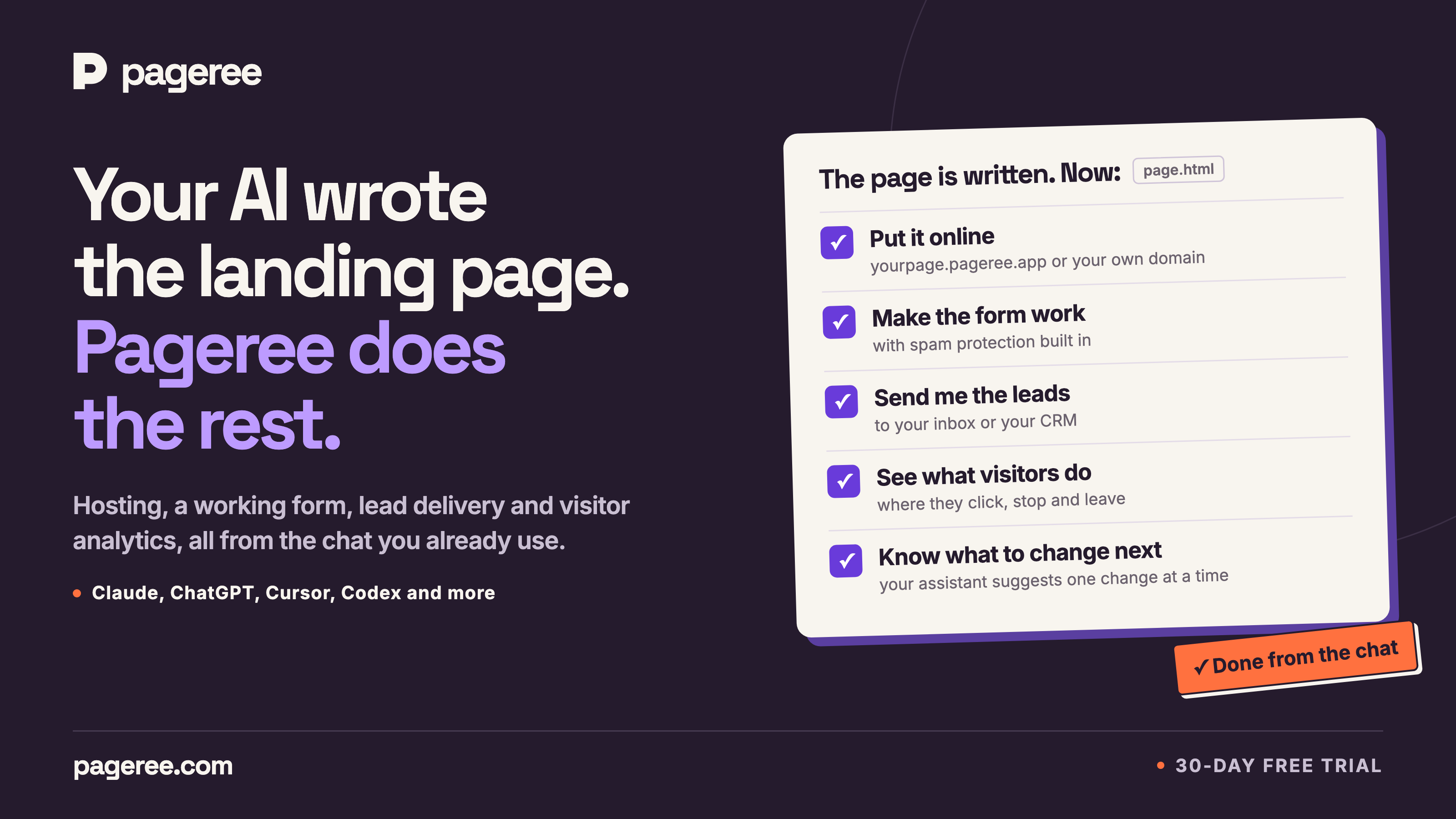
Connect Pageree to ChatGPT, Claude or another assistant you already use, and it can publish a landing page with a working form that sends every lead to your inbox or CRM. When visitors arrive, ask how the page is doing: your assistant reads section-by-section visitor data, proposes one change and publishes it once you approve.
Pageree connects to the AI assistant people already use, such as ChatGPT, Claude, Cursor or Codex, and takes a landing page from the chat to a live page that collects leads. The assistant shows a private preview and publishes the page once its owner approves, on a pageree.app address or the owner’s own domain. Every form gets a built-in spam check, a privacy policy and a consent box, and every lead goes to the owner’s inbox or CRM. When visitors arrive, the assistant reads where they click, stop and leave, and proposes one change at a time. Pageree is based in Belgrade, Serbia.
A hosted remote MCP server with OAuth that gives chat and coding agents landing-page publishing, form capture, lead delivery and section-level analytics, plus 14 skills that teach the workflow.
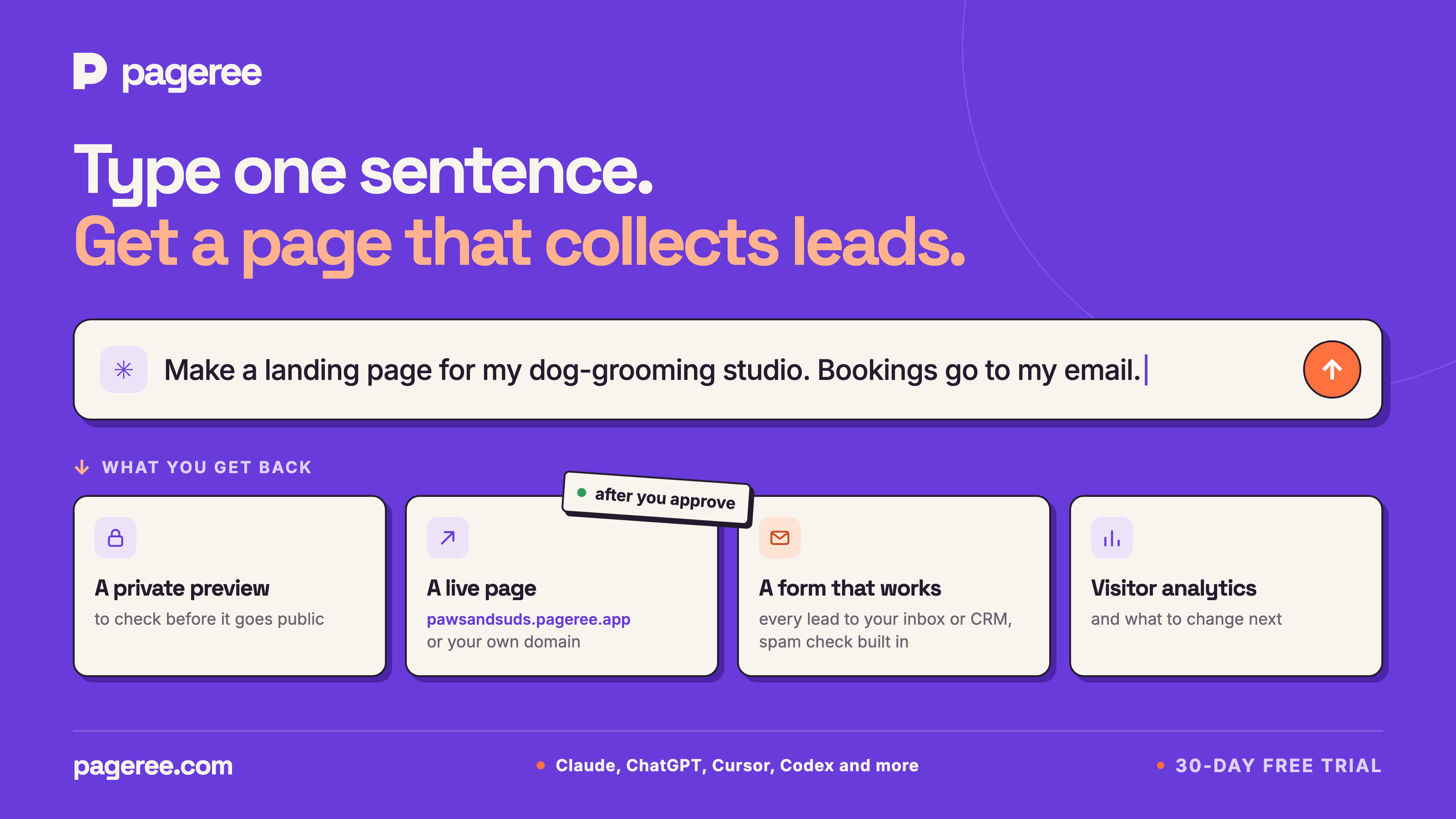
A private preview comes first. The page goes live when you approve it, on its own address or your domain, and every publish is a version you can roll back.
Your assistant designs the form. Pageree adds a spam check visitors never see, and publishes a form only with a privacy policy and a consent box.
Every lead goes to your inbox, or to your CRM through a webhook. Each one is kept 30 days, so a broken CRM loses nothing. No plan has a submission cap.
Hold back repeat sign-ups, throwaway mailboxes and spam. A held-back submission waits 30 days and can be released; the visitor always sees success.
More on submission rules ↗Visits, sources, countries and devices, plus how far visitors scroll and where they click, stop and leave in each section of the page.
Ask how the page is doing. Your assistant proposes one change, publishes it once you approve, and compares the new version with the last.
Logos
Vector SVGs for print and layout, PNGs on a transparent background for everything else.





Product images
Each one shows a step, from connecting the assistant to the next change. Pages, leads and numbers in them are examples, not customer data.
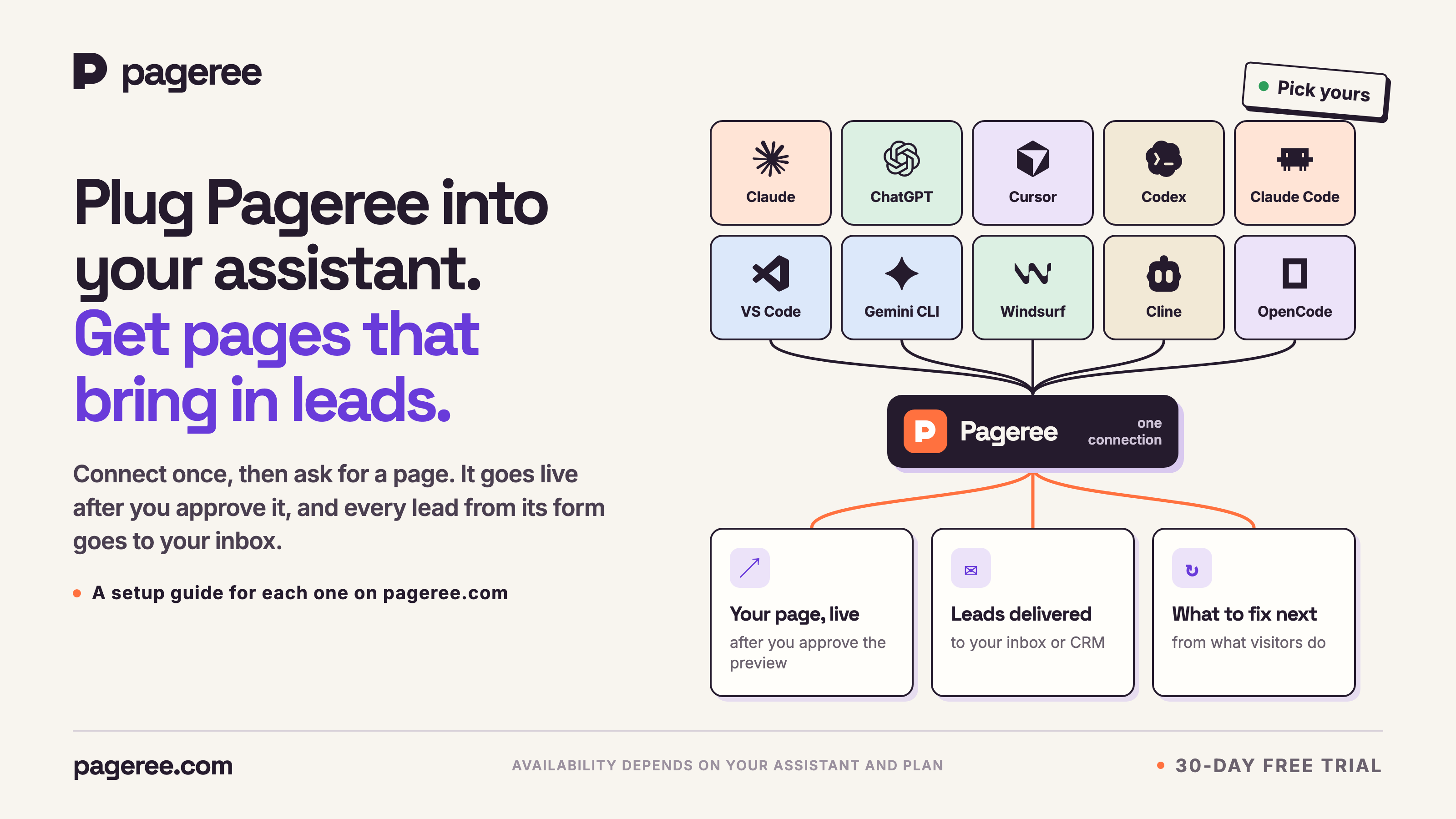
Plug Pageree into the assistant you use, then ask for a page.
PNG · 3200 × 1800 px · 341 KB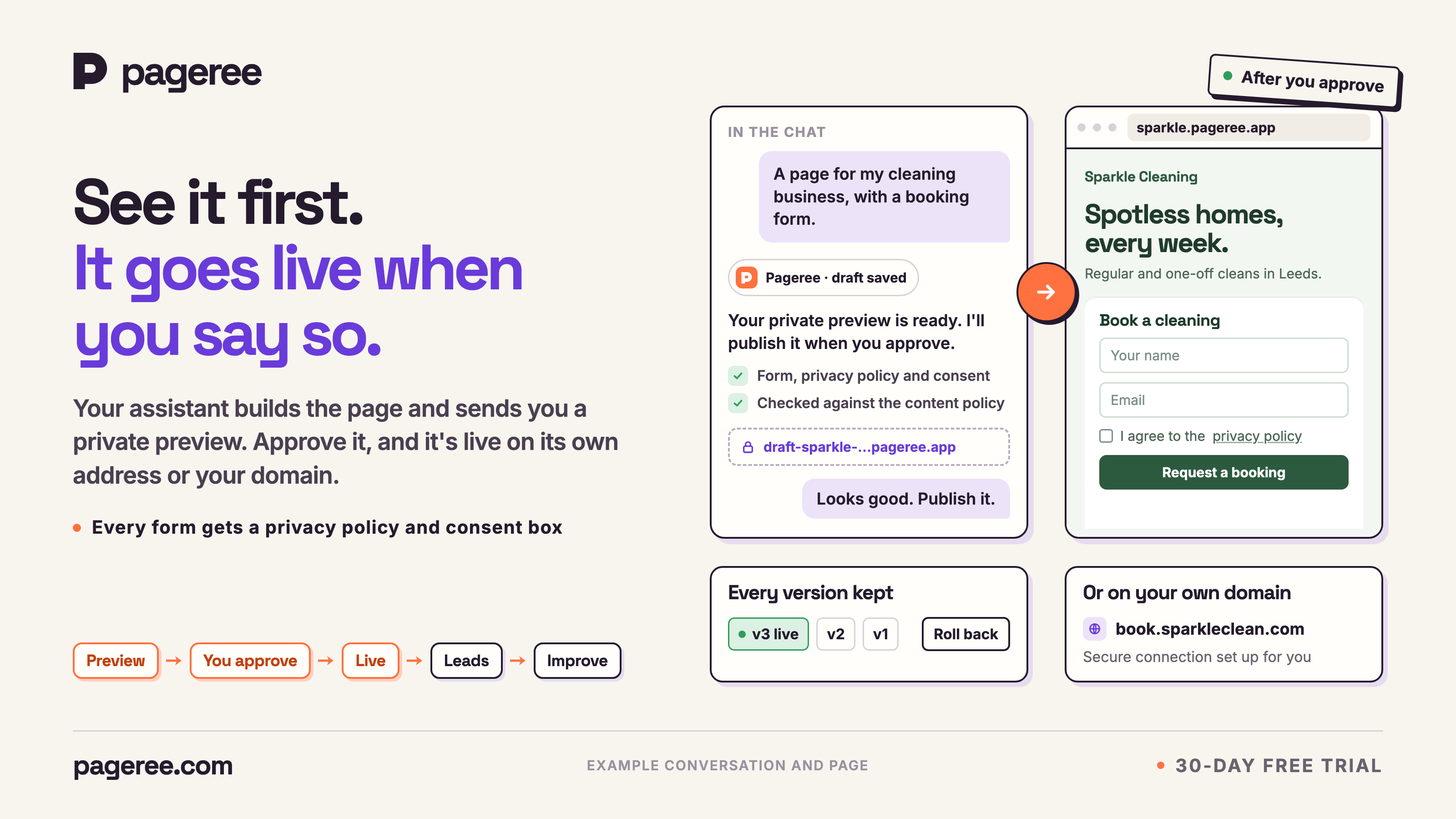
A private preview in the chat; the page goes live when you approve it.
PNG · 3200 × 1800 px · 409 KB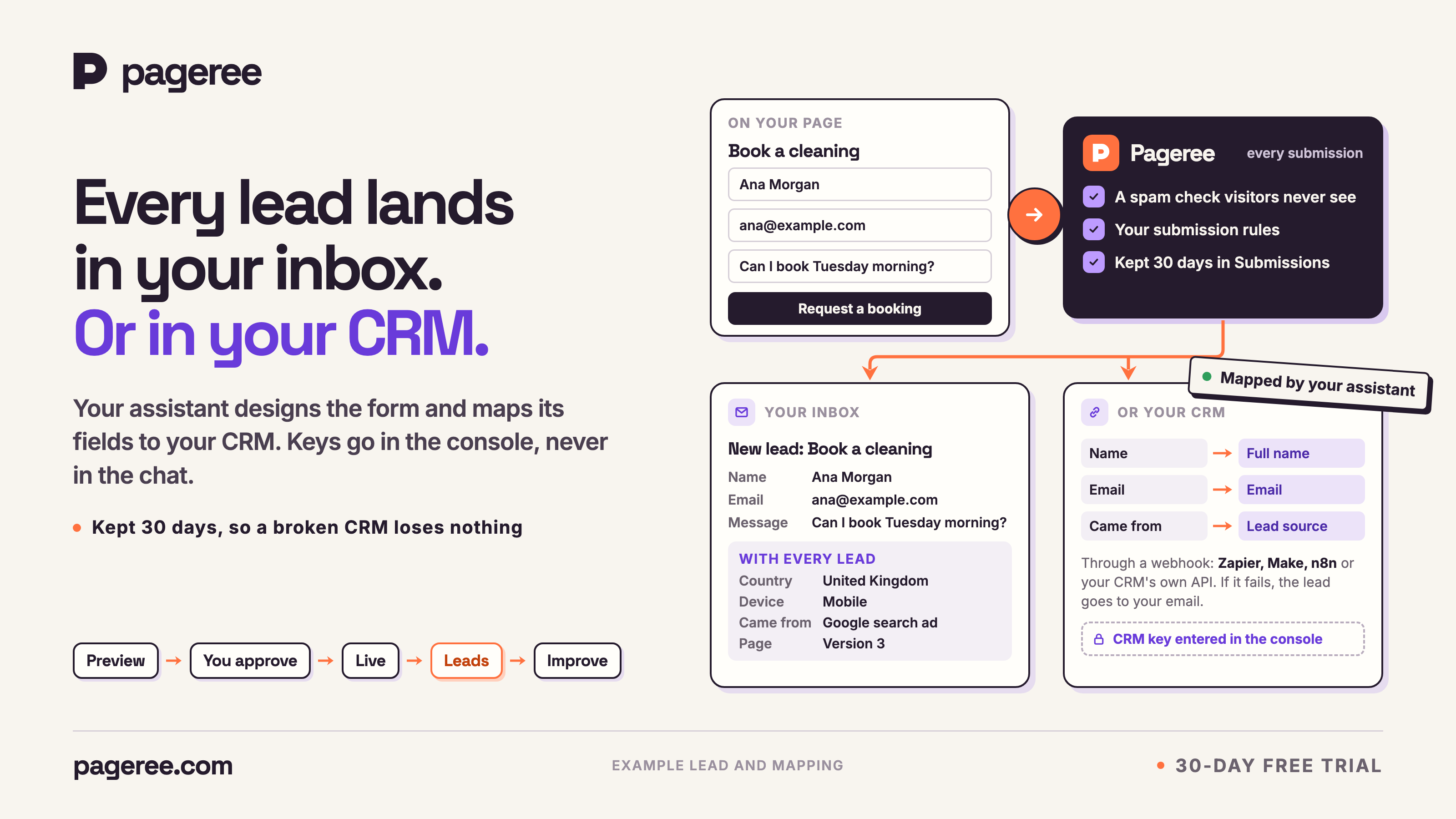
Every lead goes to your inbox, or is mapped to your CRM’s fields.
PNG · 3200 × 1800 px · 413 KB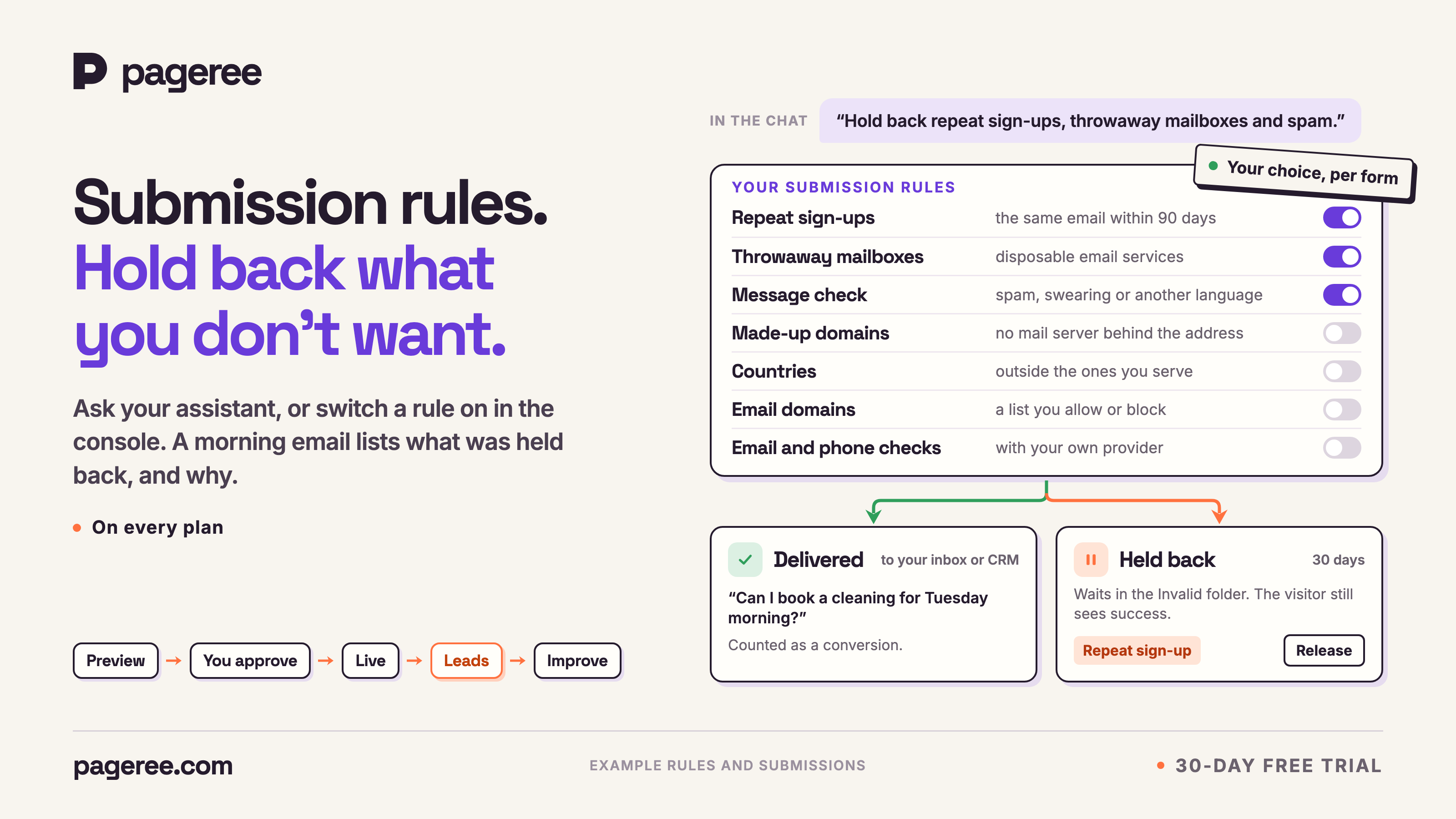
Hold back repeat sign-ups, throwaway mailboxes and spam.
PNG · 3200 × 1800 px · 401 KB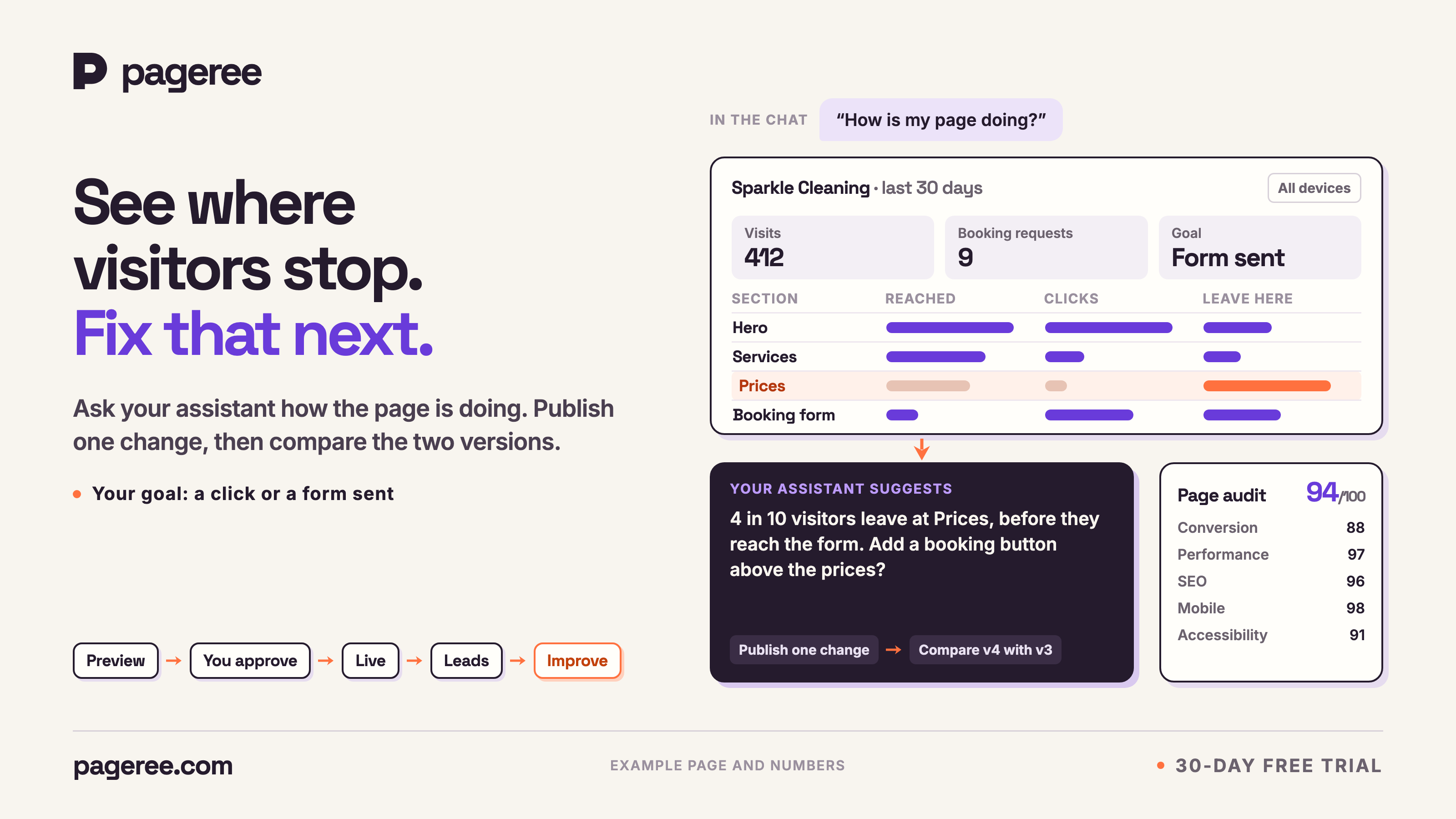
Where visitors stop, and the one change your assistant suggests.
PNG · 3200 × 1800 px · 319 KBCovers
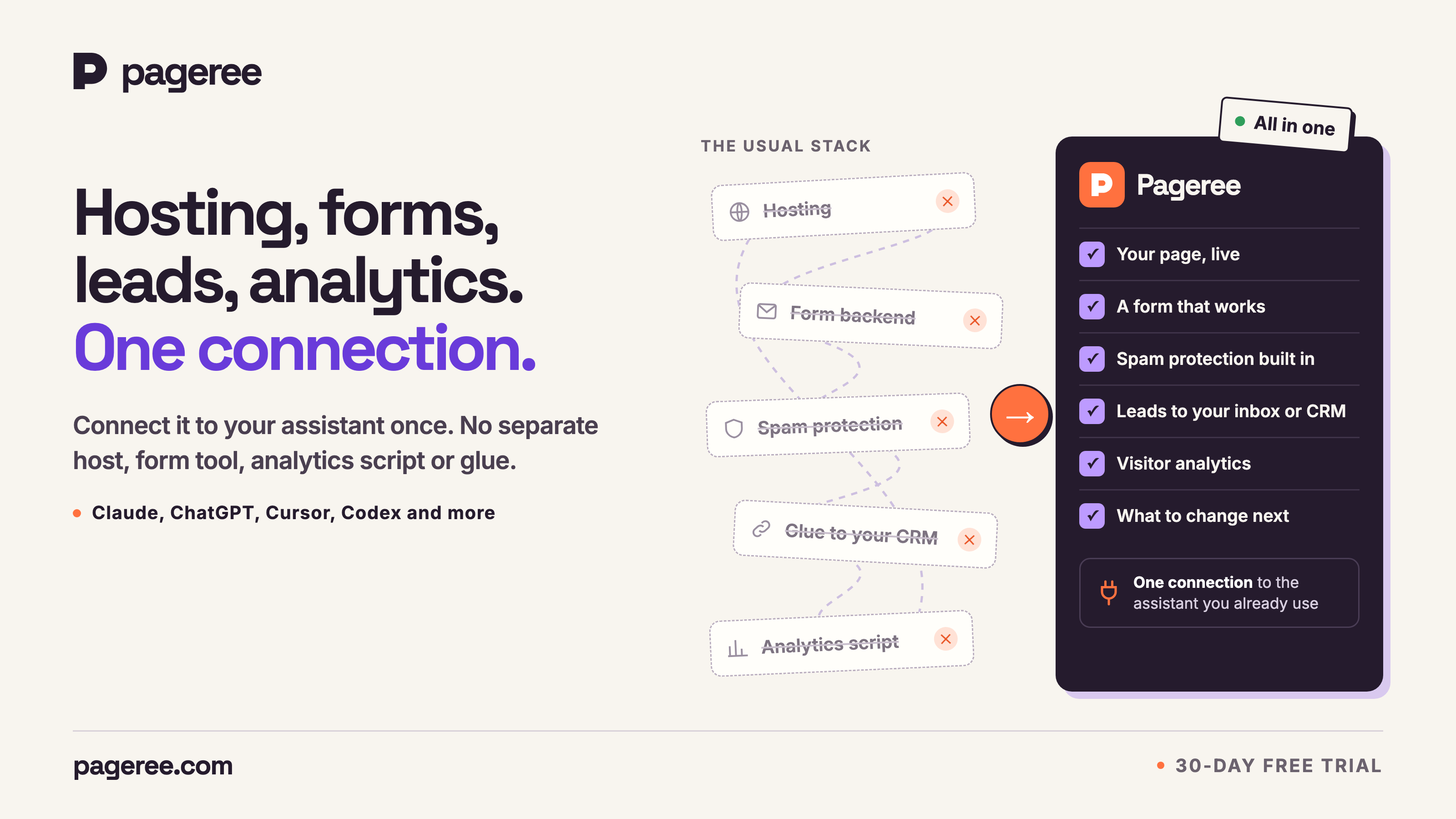
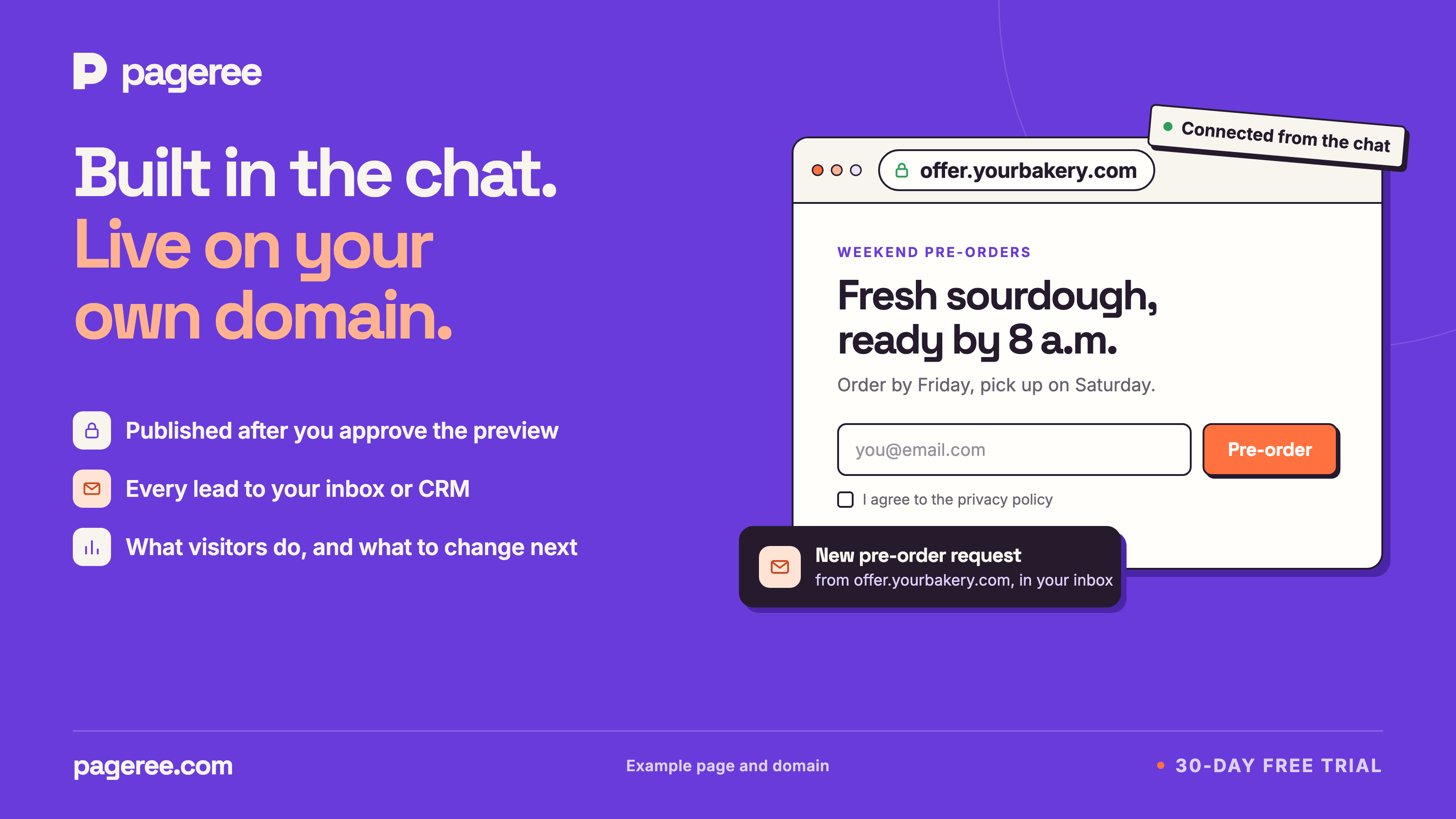
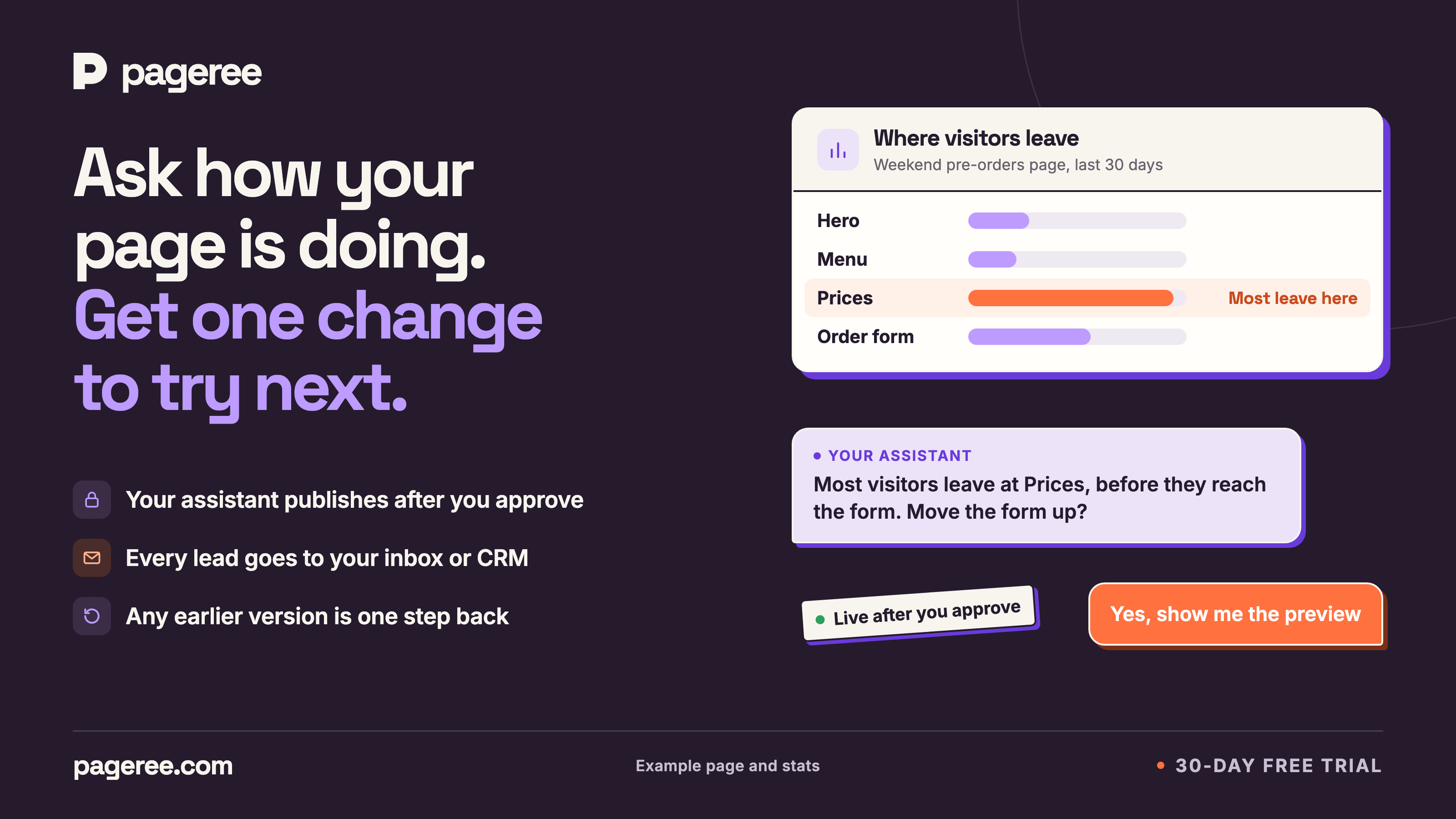
Six 16:9 covers we use on social posts and community threads. Each one says what Pageree is in one look; use them as a header image.
Brand
#f8f5efBackgrounds#251b2dText and the logo#693bdaPrimary accent#ff713fSecondary accentBoth are open source, under the SIL Open Font License.
Contact
Email [email protected] with your questions, your deadline, or anything you need that isn’t on this page.