The short answer
Put the date, venue, guest policy, and verified access information before the RSVP form. Decide how responses become confirmed places. A basic enquiry form does not enforce capacity, issue tickets, or send calendar invitations.
SMALL GATHERING / RSVP CONCEPT
Make room for a useful conversation.
An invitation concept for independent business owners to meet, share what they are working on, and ask a practical question.
- A clear reason to gather
- Event details before the form
- A simple response for the organizer
No real event or guest list. Capacity and attendance confirmation need a separate organizer process.
This is an interactive layout example, not a live business. Use the prompt below to create your own page and connect real form delivery.
Make the invitation useful before asking for a reply
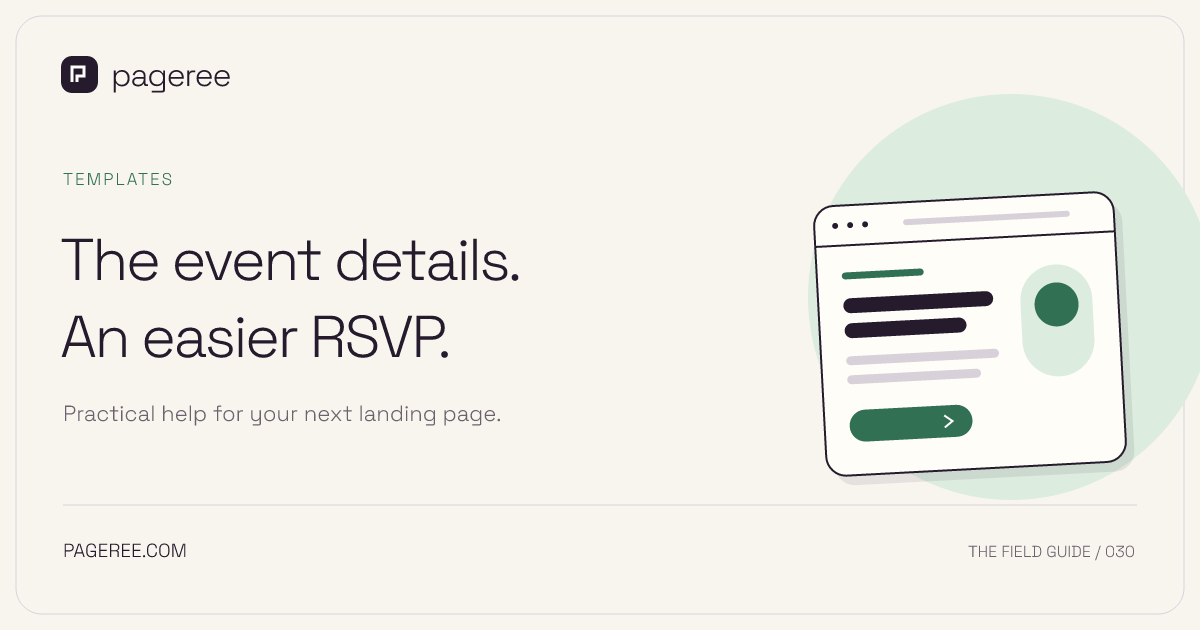
An event RSVP page should answer the practical questions a guest would otherwise send by message: what is happening, when, where, who is invited, and whether they can bring someone. Put those details before the response form so guests can make an informed decision.
The fictional Studio Table preview is an invitation concept for a small gathering of independent business owners. The example has no live venue, attendee list, capacity counter, or invitation system. Use it to plan the content and response fields for an event you actually organize.
Separate a response from a confirmed place
A simple RSVP form sends a response to the organizer. It does not automatically enforce a venue limit, reserve seats, issue tickets, or send calendar invitations. If capacity matters, decide whether you will confirm guests manually or use an external registration platform with the appropriate controls.
Even ticketing systems require attention to their workflow. Eventbrite’s waitlist guidance explains that released tickets need to be claimed and warns that manual releases can exceed capacity. That is a useful reminder to reconcile requests with confirmed places rather than treating every expression of interest as an attendee.
Supply the details guests need
| Information | What to include |
|---|---|
| Event purpose | A short description of the gathering and audience |
| Schedule | Date, start and end time, and time zone where relevant |
| Location | Confirmed venue and a useful directions link |
| Guest policy | Whether additional guests are allowed and the limit |
| Access | Verified arrival and accessibility information, plus a contact route |
| Food | What is provided and how questions are handled |
| Response deadline | A real planning deadline, if there is one |
| Confirmation | Whether an RSVP is accepted immediately or reviewed |
Do not publish a full venue address before it is appropriate for your event. For an invitation-only gathering, you might give an approximate area and explain that confirmed guests receive the details. That needs an actual follow-up process; a form submission cannot privately reveal information by itself unless you configure that behavior.
Keep the form about attendance
Useful fields are name, email, attending/not attending, and guest count if guests are allowed. Make count options match your stated policy. An optional message lets people ask practical questions, but discourage sending sensitive personal details through an ordinary RSVP form. If you need to discuss access arrangements, provide a direct contact route.
For a manually reviewed response, confirmation copy might say: “Your RSVP request has been received. The organizer will confirm availability by email.” Use that only if someone is responsible for sending the email. Do not promise an automatic calendar attachment unless your separate event workflow supplies it.
Copy this build prompt
Create an RSVP page for [event name].
Purpose and invitees: [actual details].
Date, time, and timezone: [confirmed schedule].
Location and access information: [verified organizer details].
Guest policy and response deadline: [actual rules].
Capacity handling: [manual confirmation / external registration].
Follow-up owner: [who replies and how].

Build an invitation hero, practical event details, a short FAQ,
and an RSVP request form. Ask for name, email, attendance choice,
and guest count only when relevant. Use clearly labelled fields.
Do not invent a venue, remaining-seat counter, or accessibility claim.
State whether the response still needs confirmation. Do not imply
that Pageree issues tickets or sends calendar invitations.

Save a private Pageree draft with configured owner delivery and
return the preview. Wait for review before publication.
Test changes as well as first responses
Before circulating the invitation, submit a clearly marked test and verify the delivered guest count and attendance choice. Decide how a guest can correct a response or cancel. If you track replies in a spreadsheet, establish how duplicates are reconciled instead of assuming two submissions mean two guests.
The Google Sheets workflow can help organize responses through a configured automation. Use the form-to-email guide for a simpler inbox process. If the event includes an application or paid learning session, use the more detailed workshop template and verify its external registration path.
Make it your next page
Take the next step
with your assistant.
Bring your offer and the examples from this guide. Connect Pageree, create a preview, and publish when you’re ready.