
Who Pageree is for · Landing pages

Landing pages for one offer, one campaign, one next step.

Tell your AI assistant the offer, who it’s for and what a visitor should do next. With Pageree connected, it publishes a focused landing page with a form, sends each lead where you follow up, and reads the page’s numbers whenever you ask what to change.

Free for up to 3 pages. No card needed.

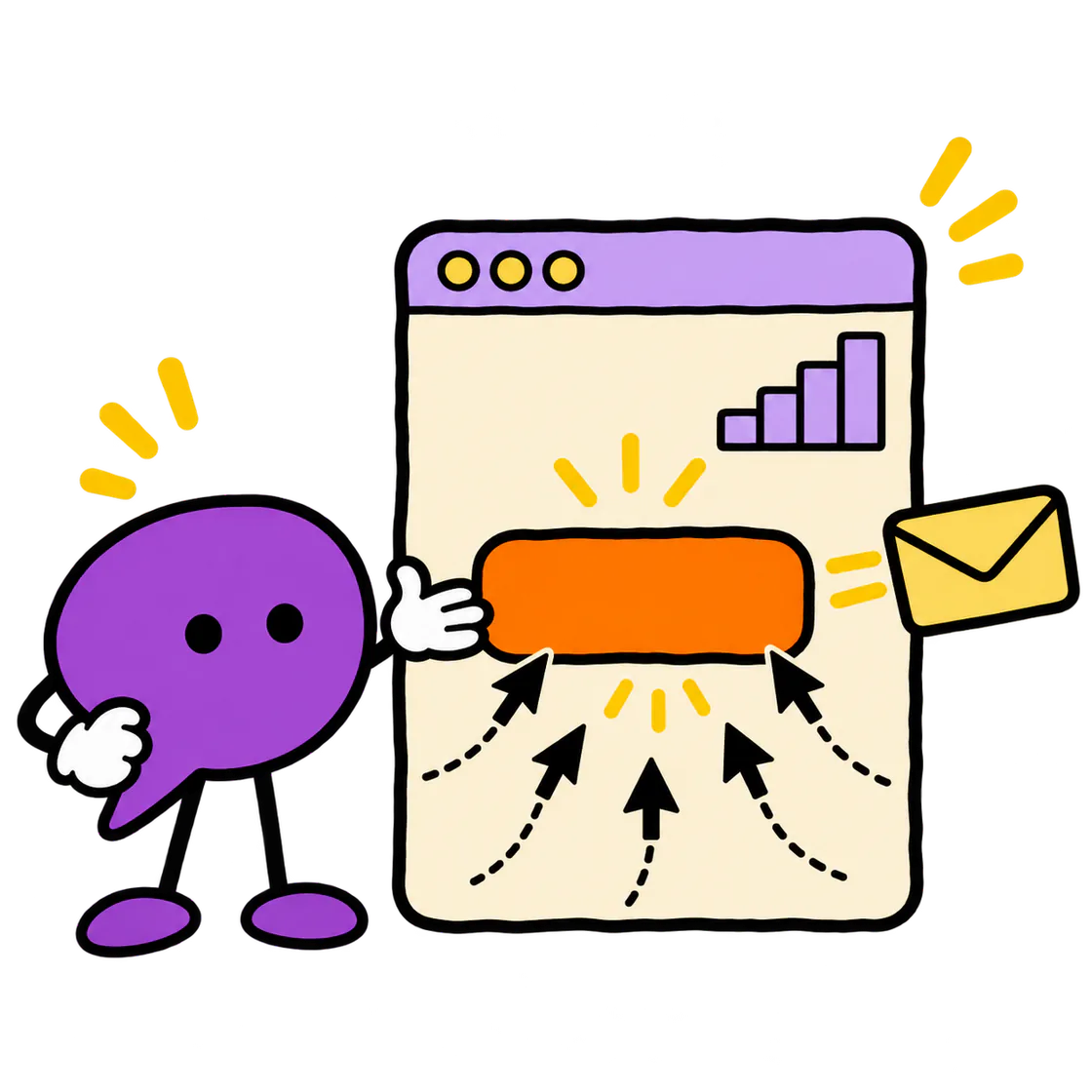
The Pageree mascot points to the one button on a landing page as visitors head for it and a lead comes out.

What you get

The page, the form,
the leads, the numbers.

A page for one offer.

An ad campaign, a guide to download, a newsletter, a demo: your assistant builds the page around the one thing you want visitors to do, shows you a private preview, and publishes when you approve. Once it’s live, it can audit the page for conversion, speed, search, mobile and accessibility.

A form that does its job.

Your assistant builds the form around the lead you want, from a single email field to a few qualifying questions, and drafts the privacy notice and consent checkbox with you, since a page with a form needs both before it goes live. Submission rules can hold back repeat sign-ups and throwaway addresses.

Each lead where you follow up.

Leads go to your email, or to your CRM or email tool through a webhook, with a field mapping your assistant builds. You add any keys in the Pageree console, never in the chat, and Pageree keeps a copy of every submission for 30 days, so a delivery that fails doesn’t lose the lead.

A conversion rate, then the next change.

Tell your assistant what counts as a conversion, a form sent or a button clicked, and the page’s numbers include a real conversion rate. Ask what to change: it reads the visits, the sources and each section’s clicks and exits, suggests one edit, and compares the new version with the one before.

Illustrative example

One page, one offer,
one clear next step.

An original example with a fictional business. Try its form: it runs in your browser and sends nothing.

Original template exampleFictional business · demo only
Oakline↗

GARDEN MAINTENANCE / QUOTE CONCEPT

A clearer plan for your garden's upkeep.

A local-service page concept for recurring garden maintenance. Explain the jobs you offer and ask the details needed for a useful estimate.

  • A defined maintenance scope
  • A verified service area
  • An estimate before work is booked
Start here.

Try the layout with made-up details. Nothing is sent.

Fictional business and campaign. No ad approval, lead cost, or service availability is claimed.

This is an interactive layout example, not a live business. Use the prompt below to create your own page and connect real form delivery.

Ask your assistant

Start with
one message.

Copy the prompt, change the details to yours and send it to ChatGPT, Claude, Cursor or Codex once Pageree is connected. Your assistant asks for what’s missing, shows you a private preview, and publishes when you say so.

ASK YOUR ASSISTANT
Make a landing page for my guide “Ten questions to ask a contractor before you renovate”, for homeowners planning a new kitchen or bathroom. Add a form that asks for a first name and an email, and send each sign-up to my email so I can send them the guide. Count a sent form as a conversion, and show me a preview before you publish.

Templates to start from

Pick a starting
point.

Each template has an original example and a prompt to adapt. Your assistant takes it from there.

Lead magnet landing page template

Create a page for a useful checklist or download. Plan the signup form and delivery step, adapt the example, and avoid promising an email that never arrives.

SaaS demo landing page template

Turn product interest into a useful demo request. Adapt a SaaS landing-page example with product proof, qualification questions, and a clear next step.

What Pageree doesn’t do

One version live at a time.

Pageree doesn’t split traffic between two versions of a page; you compare a new version with the one before it.

Your next page starts with a connection

Give your assistant
superpowers.

Connect Pageree to the assistant you already use, and ask it for your first page.

Connect your assistant Free for up to 3 pages, or a 30-day trial of any plan.