
Who Pageree is for · Event pages

Event pages for webinars, workshops and meetups.

Give your assistant the date, the time zone, the place or the link, and who is speaking. With Pageree connected, it publishes an event page with a registration form, sends each registration to your email or your CRM, and tells you where the page’s visitors come from.

Free for up to 3 pages. No card needed.

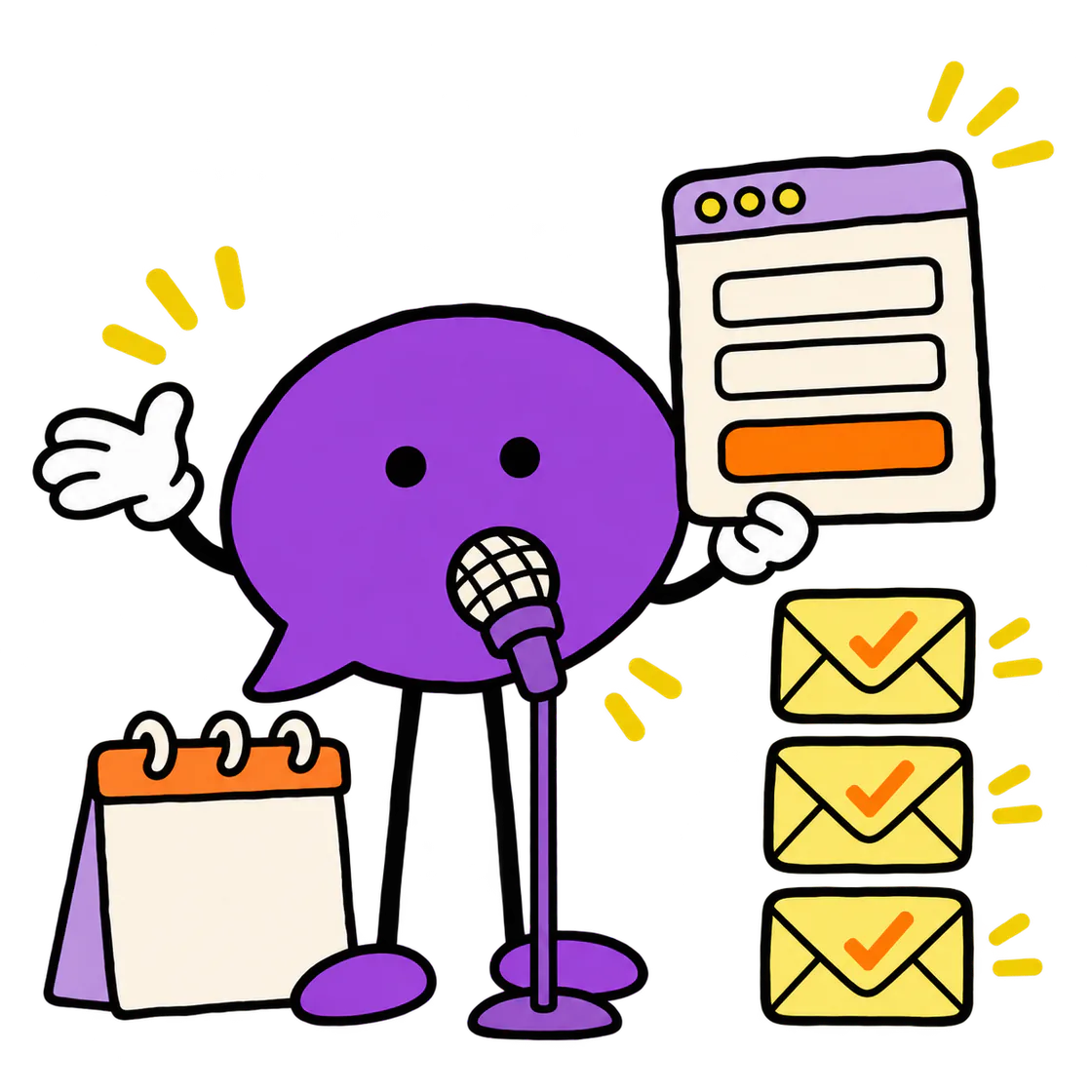
The Pageree mascot speaks into a microphone and holds up a registration form, with registrations stacking up beside it.

What you get

The page, the form,
the leads, the numbers.

The details people need.

Your assistant writes the page from what you give it: what the event covers, the date and time zone, where it happens and who it’s for. It shows you a private preview first. If a detail changes, it publishes a new version, and the earlier ones stay in the page’s history.

A registration form.

Your assistant asks only what you need: a name and an email, and if you need them, the number of guests or a question for the speaker. It drafts the form’s privacy notice and consent checkbox with you, and submission rules can hold back repeat registrations from the same email address.

Registrations in your inbox.

Each registration goes to your email, or to your CRM or another tool through a webhook, and you send the link or the address from your own email. Pageree keeps a copy of each one for 30 days, and no plan caps how many registrations a page receives.

Numbers before the day.

Your assistant reads the visits, where they come from and which devices people use. Make the registration form the page’s goal for a real conversion rate, and if sign-ups are slow, ask what to change: it suggests one edit and compares the new version with the one before.

Illustrative example

One page, one offer,
one clear next step.

An original example with a fictional business. Try its form: it runs in your browser and sends nothing.

Original template exampleFictional business · demo only
Workshop Notes↗

LIVE SESSION / INTEREST LIST

Turn a vague offer into a useful landing page.

A practical session on choosing an audience, sharpening the promise, and writing the first brief.

  • Bring your current offer
  • Work through a clear example
  • Leave with a better brief
Start here.

Try the layout with made-up details. Nothing is sent.

Add a confirmed date, time zone, speaker, and registration system before launch.

This is an interactive layout example, not a live business. Use the prompt below to create your own page and connect real form delivery.

Ask your assistant

Start with
one message.

Copy the prompt, change the details to yours and send it to ChatGPT, Claude, Cursor or Codex once Pageree is connected. Your assistant asks for what’s missing, shows you a private preview, and publishes when you say so.

ASK YOUR ASSISTANT
Make a page for my online workshop “Write your first grant application”, for people who run small nonprofits, next Thursday from 6 to 7:30 pm Eastern Time. Add a registration form that asks for a name, an email and the nonprofit’s name, and send each registration to my email. Show me a preview before you publish.

Templates to start from

Pick a starting
point.

Each template has an original example and a prompt to adapt. Your assistant takes it from there.

Event RSVP landing page template

Give guests the event details they need and collect useful RSVP responses. Adapt a fictional example with guest counts and honest confirmation expectations.

What Pageree doesn’t do

You send the reminders.

Pageree doesn’t sell tickets or take payments, and it doesn’t send reminder emails to people who register.

Your next page starts with a connection

Give your assistant
superpowers.

Connect Pageree to the assistant you already use, and ask it for your first page.

Connect your assistant Free for up to 3 pages, or a 30-day trial of any plan.